When the office is slow or keeps reconnecting
What to try when the office feels slow, the fan spins up, or the page is stuck on "Reconnecting to the office...", and what Deskly does by itself when the connection drops.
3 min read
The office feels slow
Cameras are the heaviest thing on the page. In order:
- Close other tabs that are running video calls.
- Open More, at the top right of the office, and turn on Lite. It drops the cameras, keeps the voice and the shared screen, and asks the server for fewer updates.
- If you have several Deskly tabs open, close the extras. You are one person on the floor however many tabs are open, so the others add work without adding anything.
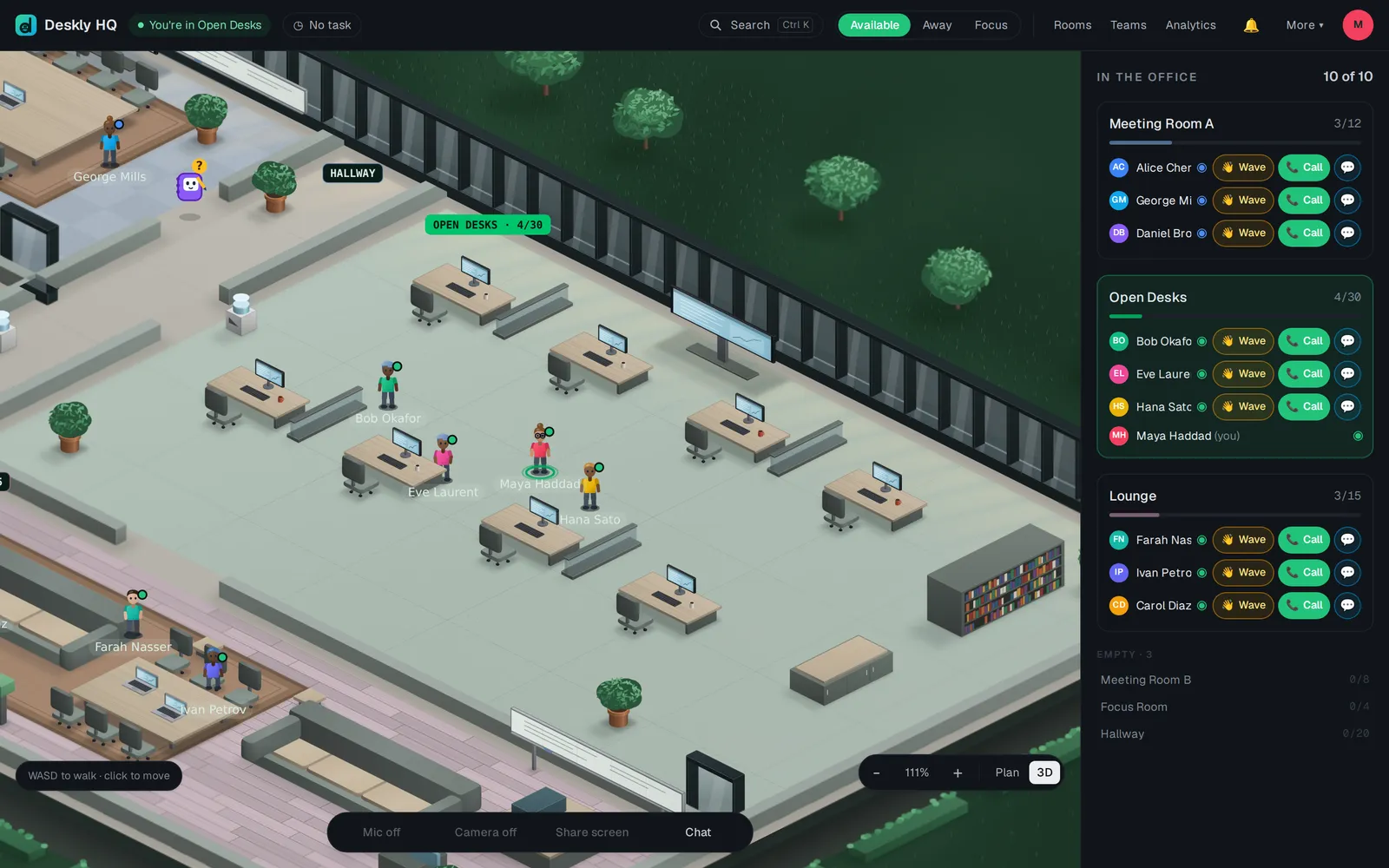
"Reconnecting to the office..."
When the connection drops, Deskly keeps trying on its own, waiting a little longer between tries. You do not need to do anything for a short drop.
When you come back - after a refresh, a dropped connection or a lunch break of up to 12 hours - you are put back where you were standing, as long as that spot is still on the floor plan. After longer than that you arrive at the usual spot.
If it stays on "Reconnecting":
- Reload the page once.
- If it still persists, report it (see below).
If you see "Deskly was updated. Reload before signing in or saving anything.", press Reload. The page you have open is older than the server.
Audio breaks up
Usually the network rather than the computer. Move closer to the router or use a cable. When Deskly sees the connection struggling it offers Lite mode by itself; press Switch.
The desktop app
In the desktop app for Windows and Linux, closing the window hides it to the tray, and your presence, calls and connection are not slowed down in the background.
Reporting a problem
Open Help & feedback from More and choose Report a bug. Deskly first shows the common fixes for what you describe; if none helps, choose No, I still need help. Keep Include page details to help us find it ticked: it sends the page, your browser, the window size, the language, your time zone and the room you were in, which is usually what support needs first.
Bug reports and messages to support are tickets, part of the Office plans and Enterprise. On Free you can Send feedback instead.