Your status, and how Away works
What each status means, which ones you set and which ones Deskly sets for you, why you went Away, and what happens with several devices or the daily mood check-in.
4 min read
The statuses
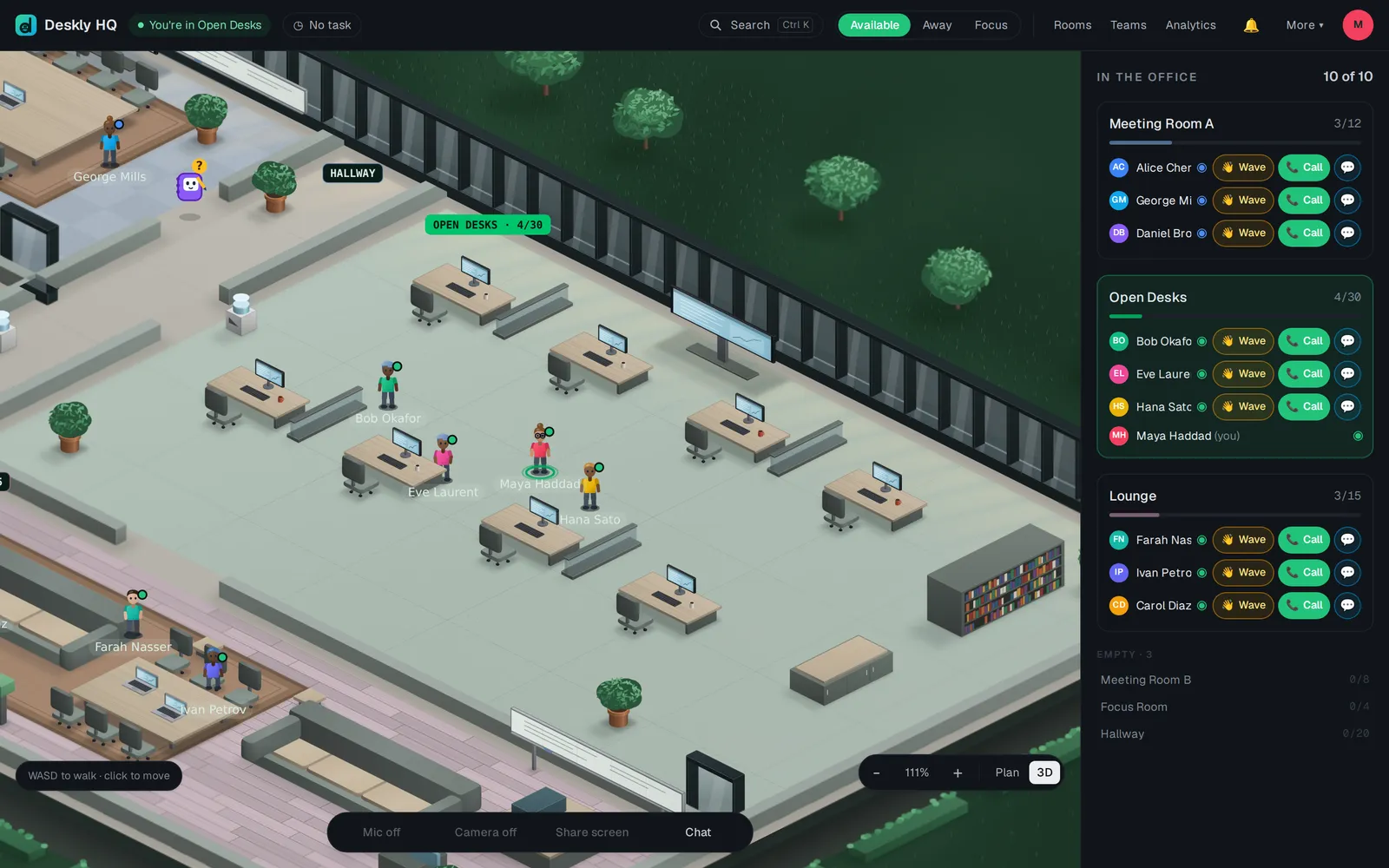
You choose three of them yourself, from the buttons at the top of the office:
- Available - the normal state. Pick it to clear Away or Focus.
- Away - you have stepped out. It holds until you change it.
- Focus - do not disturb. Anyone who calls you is told you are not available right now, and waves wait quietly in the office instead of popping up.
The rest Deskly sets for you:
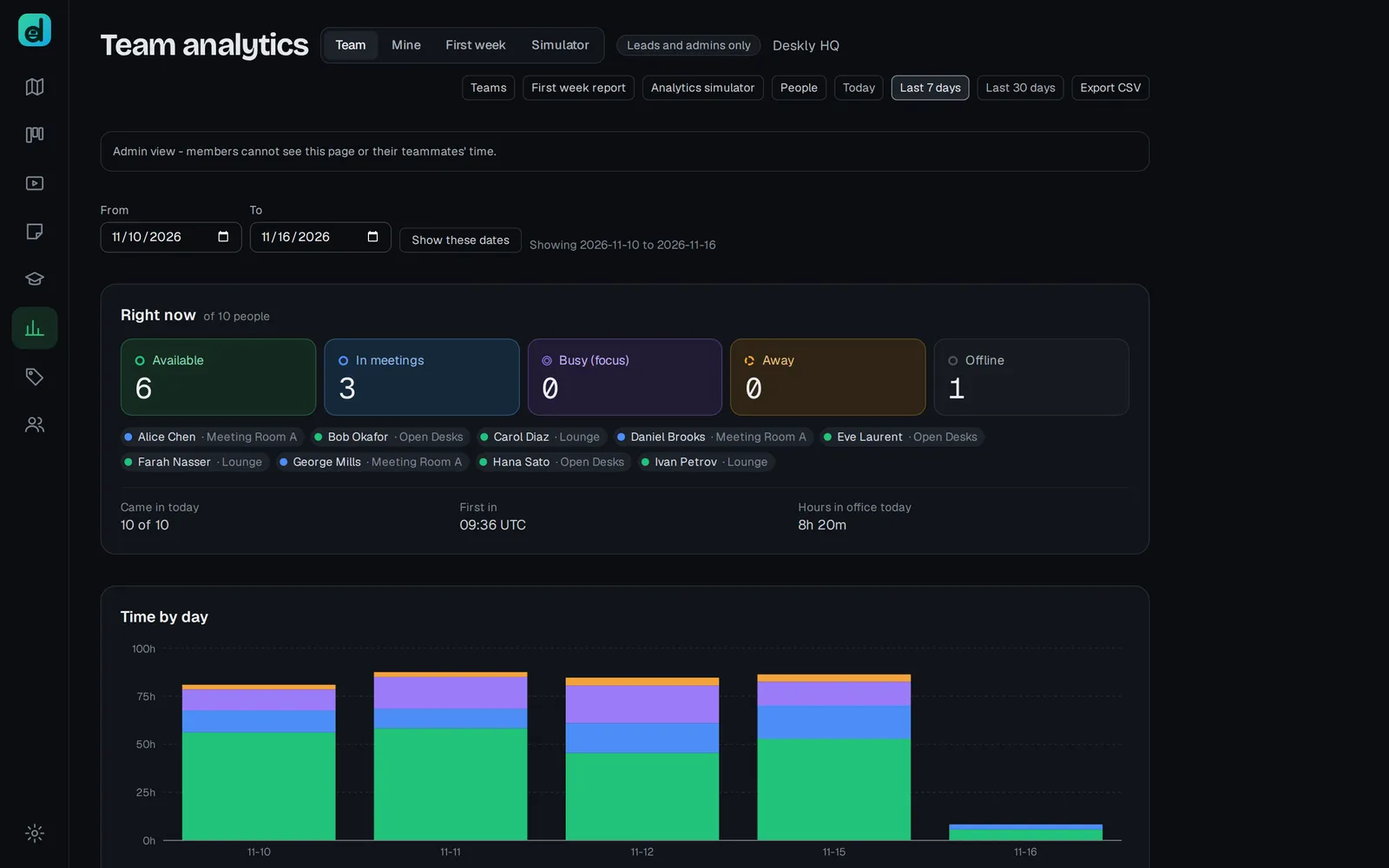
- In a meeting - you are in a meeting room with at least one other person.
- In class - you are in a classroom while a class is running.
- Away (idle) - your screen locked, or nobody touched the computer for the office's idle time.
- Offline - you are not in the office.
How Away is decided
Your browser only reports signals - input, screen lock, operating-system idle. The server decides the status, so a tab left open cannot keep you looking present.
- Screen lock marks you away at once.
- Idle comes after a stretch with no input. An admin sets the stretch in Office settings, under Idle after (minutes), from 5 to 120. It starts at 20.
- Idle, Away and Offline never count towards your hours.
A hidden or minimised window is not idle on its own. People listen to meetings while working in another app, and that time still counts.
Away detection in Chrome and Edge
Chrome and Edge can see activity outside the tab, so locking your screen marks you Away instantly and working in another app keeps you present. They ask once for permission, on your first click or key press.
- If you see Turn on away detection under More, press it and allow.
- If the office shows Away detection off, the browser has blocked it. Click the padlock in the address bar, open Site settings, allow Device use, and reload.
Other browsers show auto-away: timer only. They cannot see outside the tab, so minimising the window counts as inactivity there.
Several devices
You are one person on the floor, however many devices are open. Deskly takes the most present signal across them: a laptop being typed on outranks another device with its screen locked. You only count as locked when every device is.
The daily mood check-in
Once a day the office asks How is your day going? Answer Good, Okay or Not good, or choose Not today. Your team only ever sees totals, and only once at least three people have answered. You see your own answers in My analytics. To stop being asked, turn off Ask me how my day is going in Settings, under Privacy.
Questions
I was working but went Away. Your input was in another app and the browser cannot see outside the tab. Use Chrome or Edge with away detection on.
My mic switched off. The mic is muted while you are away. Come back to Available and switch it on again.