Help centre · 20 articles and guides
How to do anything in Deskly
Step-by-step answers with screenshots from the real product: setting up the office, rooms and meetings, chat, recordings and AI summaries, time, the desktop app and billing.
Chat and boards
Channels, messages, files and whiteboards
Chat and boards5 min read
Chat, channels and direct messages
Where the conversations live, how to start one, and what you can do with a message - files, voice notes, reactions, threads and saved messages.
Chat and boards4 min read
Room whiteboards and sticky notes
How to open a room's whiteboard, add and arrange sticky notes, share the board, and send a note to Azure DevOps as a work item.
Guides
Longer reads to go through start to finish: the first week, setting up an office, running meetings well.
Getting started6 min read
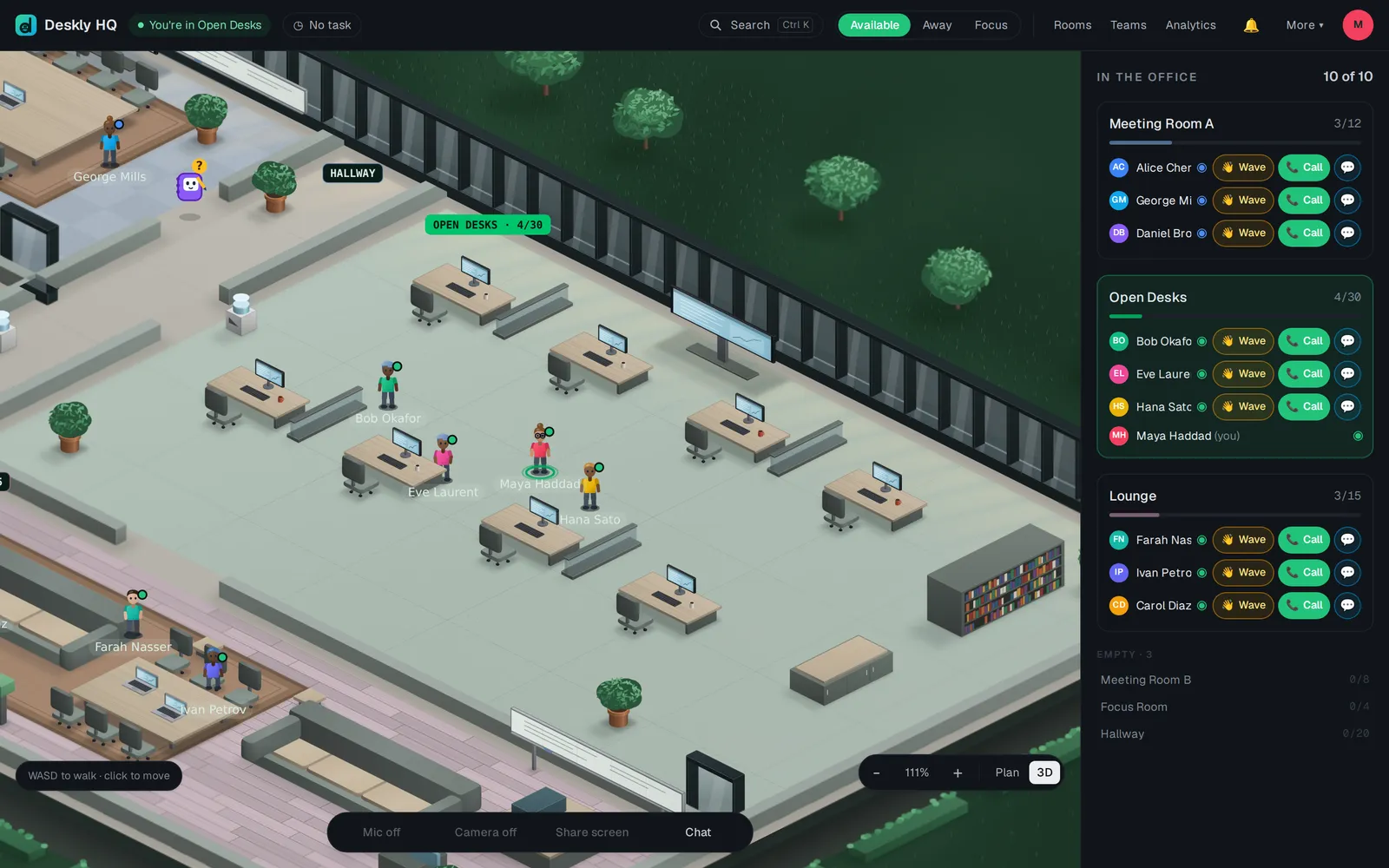
Your first week in Deskly
Setting up an office takes about twenty minutes. Getting a team to actually live in it takes a week. This is the order that works.
Getting started6 min read
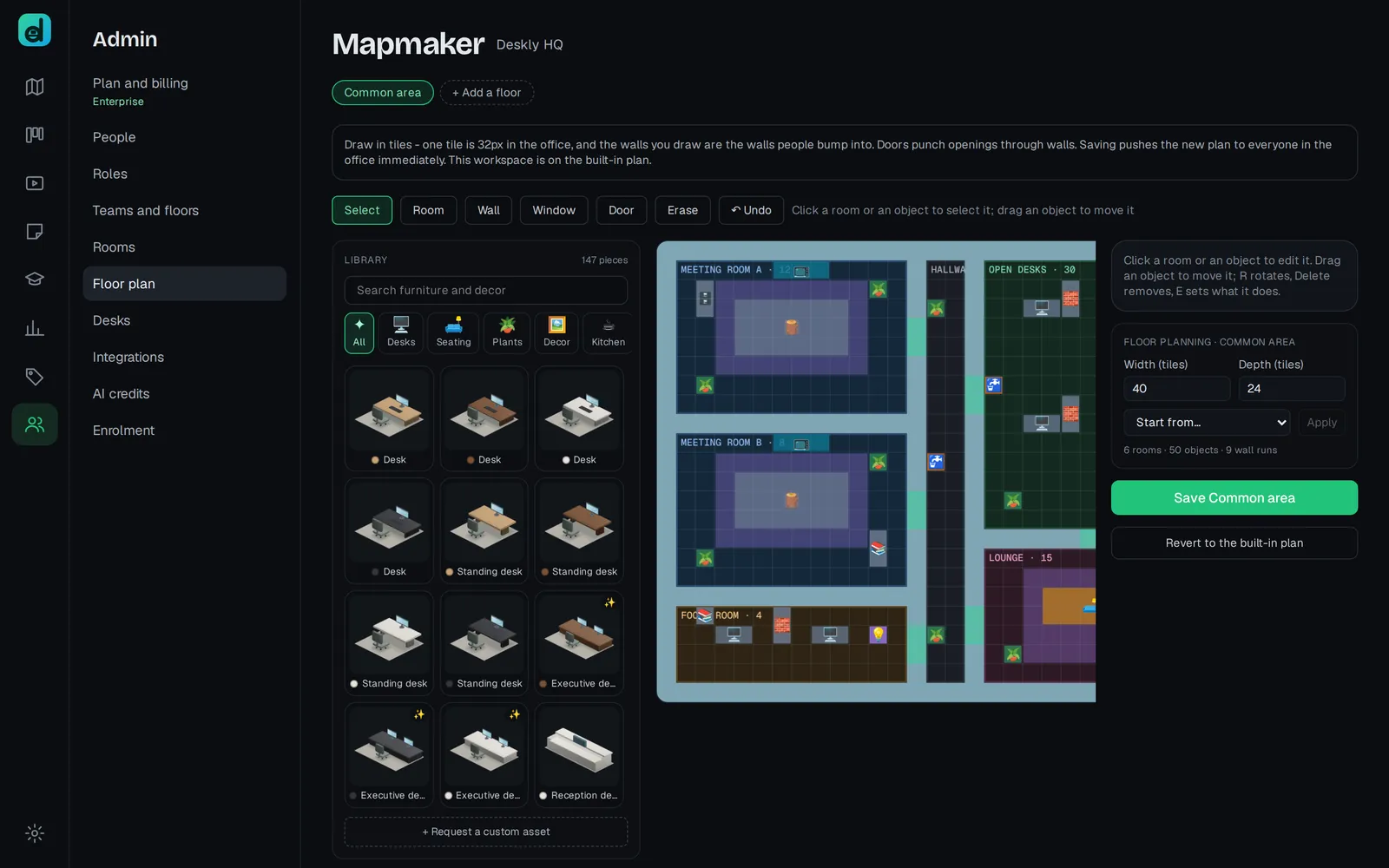
Setting up your office, for admins
Everything an admin sets up, in the order that saves rework: the office itself, floors and teams, rooms, people and roles, connected tools, and the plan.
Meetings and recordings5 min read
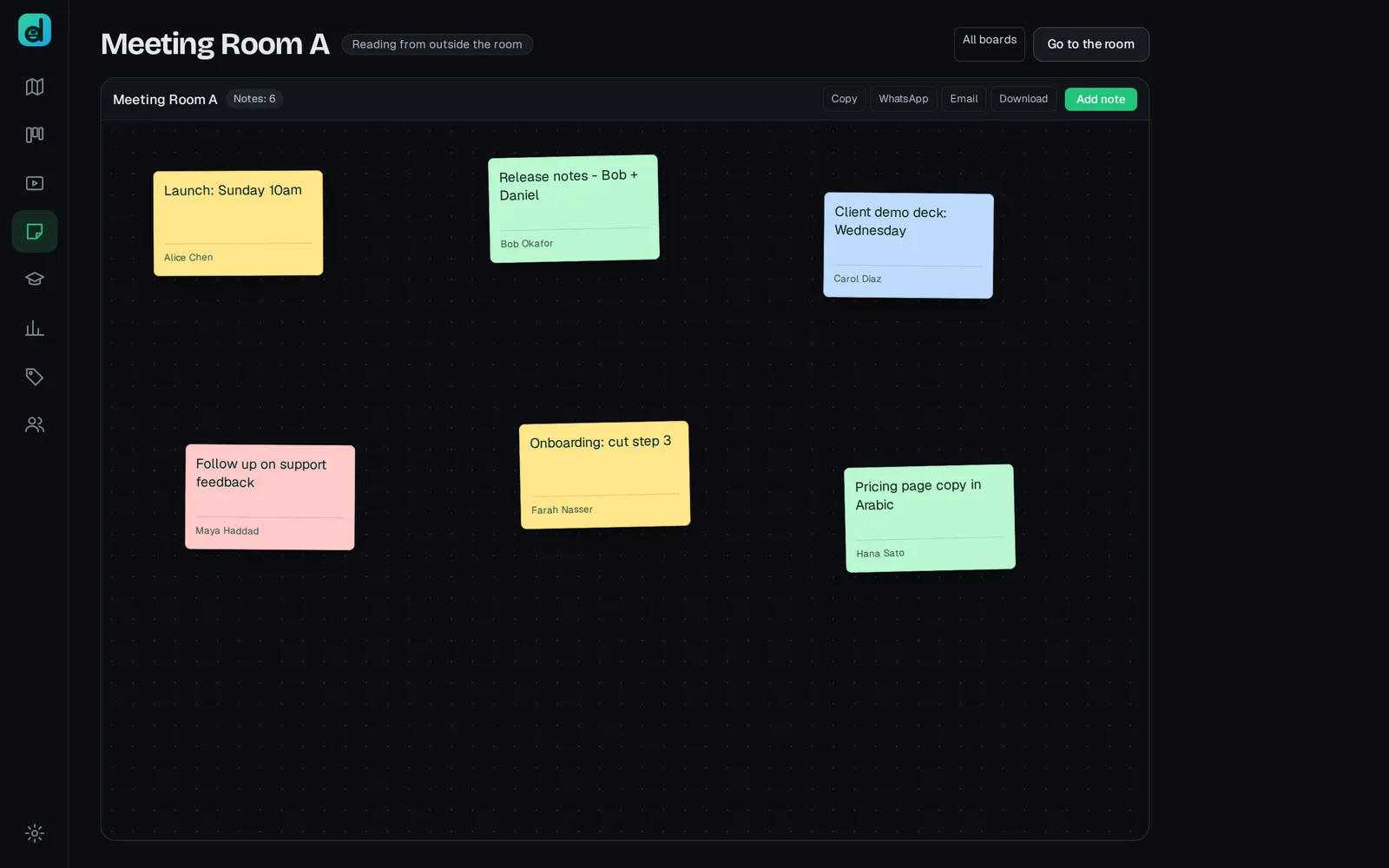
Running better meetings in Deskly
A meeting in Deskly is people standing in the same room. This guide covers booking the room, getting people in, using the board, recording with consent, and turning the summary into follow-ups.
From the blog
Why we built the office the way we did, and what we have learned from teams living in it.
5 min read
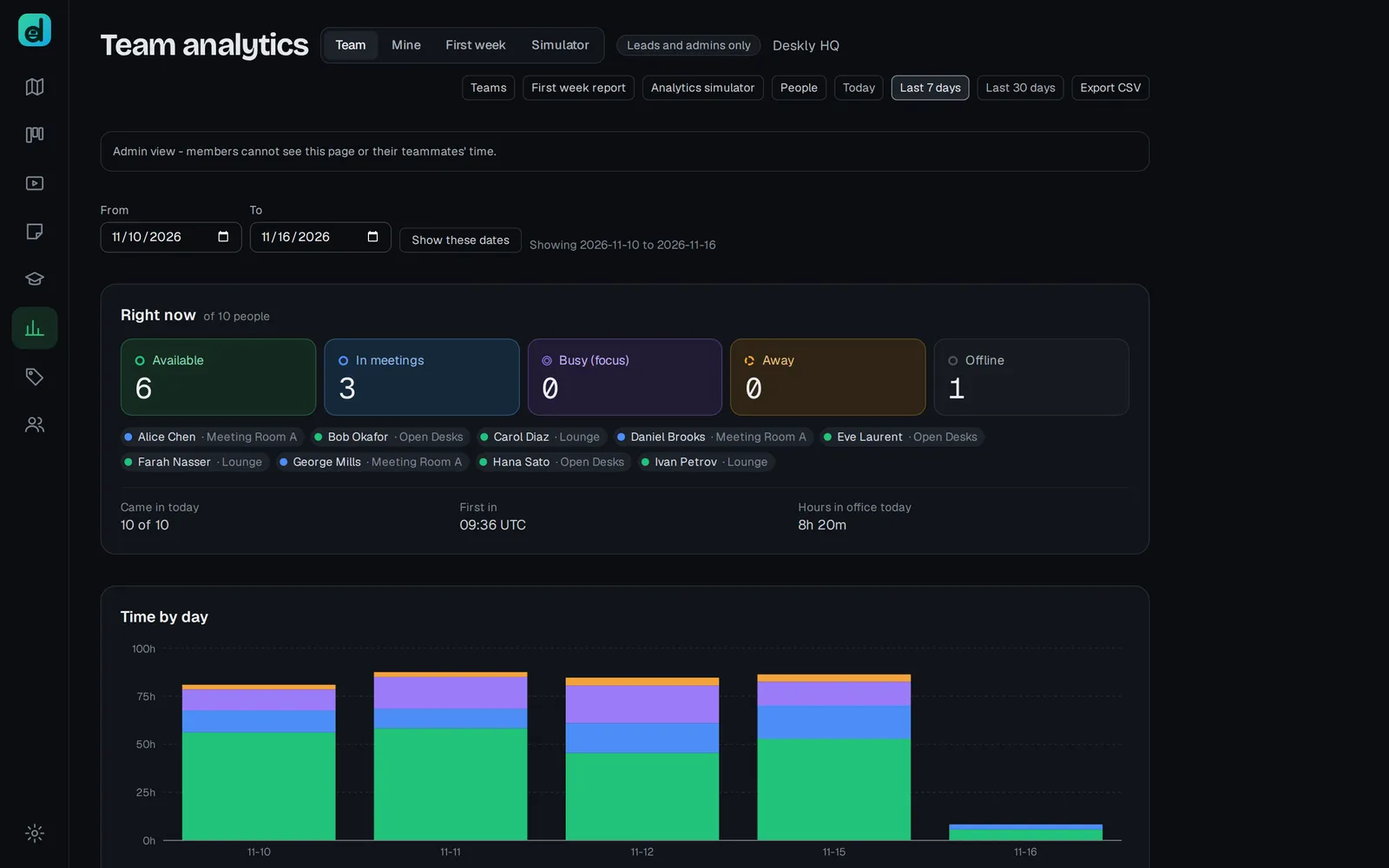
Hours you can put in front of a client
Every agency and every training centre eventually has the same argument, and it is always about a number nobody can source.
4 min read
A green dot should cost something
Every chat tool tells you who is online. Almost none of them are telling you the truth, and the reason is that being wrong is free.